Script Management Guide
Manage how tracking scripts and third-party integrations behave on your website based on user consent.
🛠 Choose Your Management Method
In the Script section, you can choose between two primary ways to manage your scripts:
1. Direct Google Analytics (GA4)
Recommended when you only need GA4 tracking with consent-aware loading.
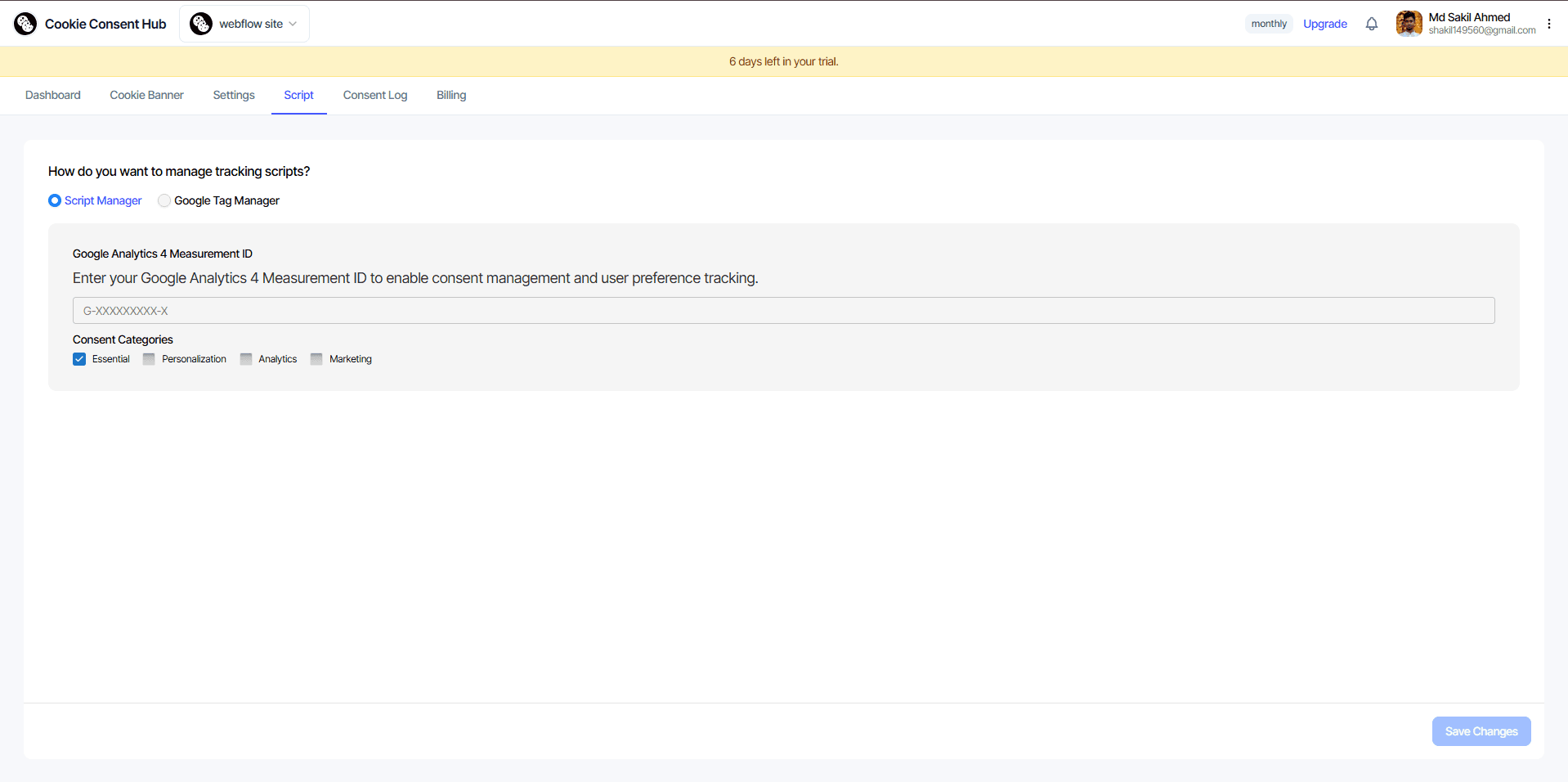
How it works: You enter the relevant ID, and the system automatically handles the consent logic for you.
Supported Integrations:
- Google Analytics 4 (GA4): Enter your Measurement ID (e.g., G-XXXXXXXXXX).
2. Google Tag Manager (GTM)
Recommended for power users who already use GTM to manage their marketing and analytics tags.
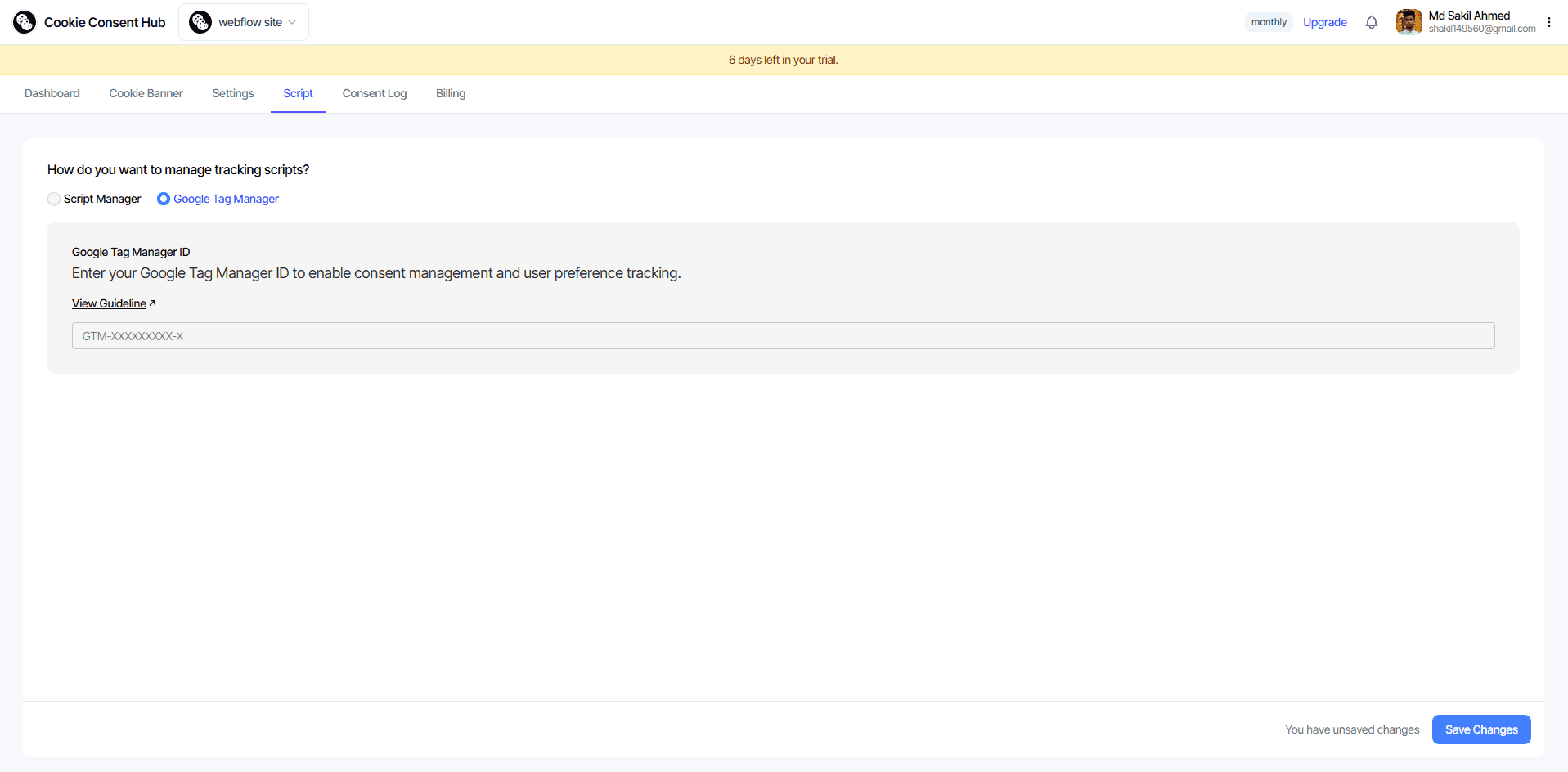
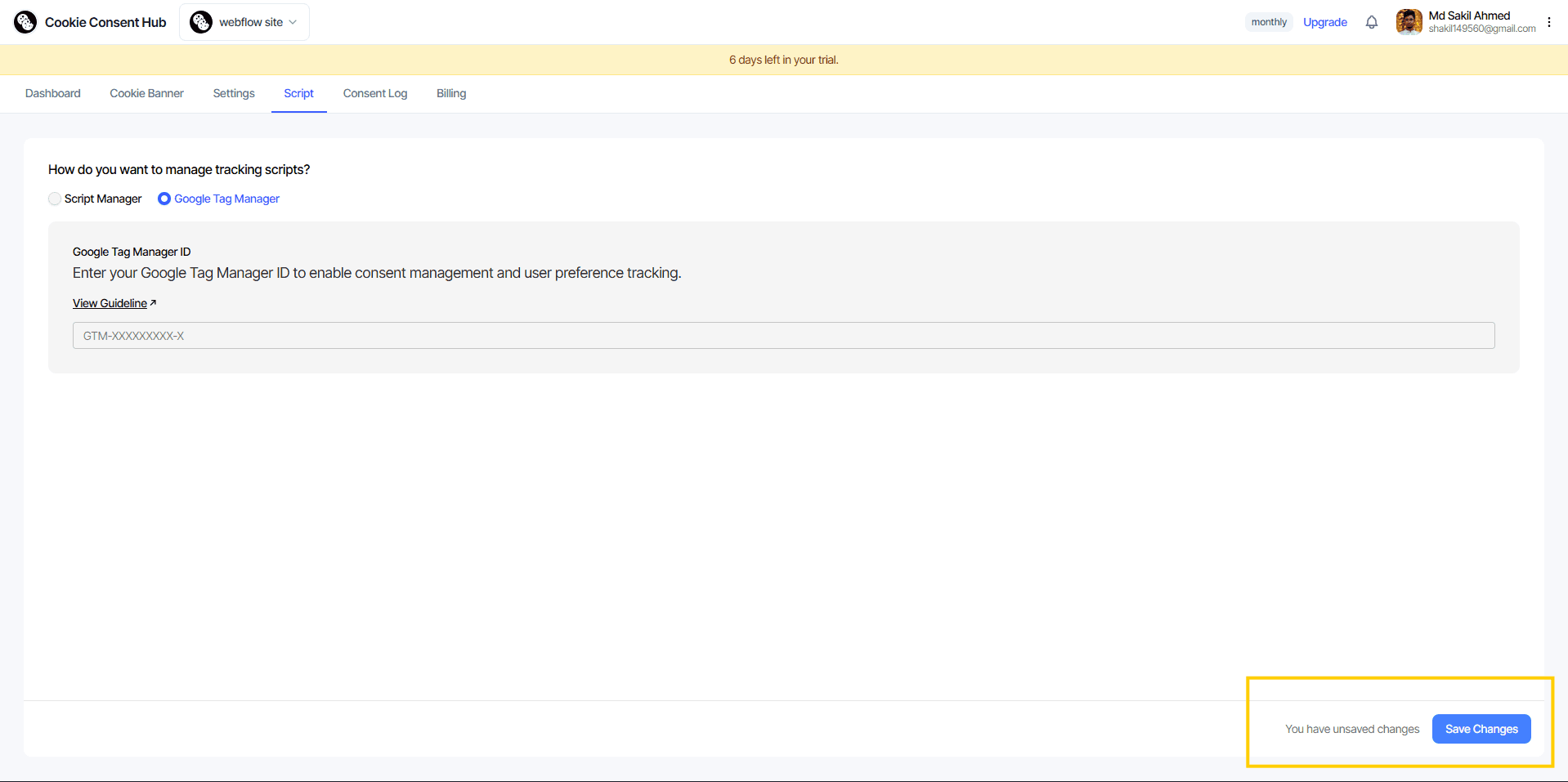
How it works: Simply enter your GTM ID (e.g., GTM-XXXXXXX).
Consent Mode: This integration is designed to work with Google Consent Mode to ensure your GTM tags respect user choices.
🔒 Consent Categories
For each script mode, consent categories determine when analytics and marketing logic can run.
- Mapping: Consent categories (Analytics, Marketing, Personalization) are respected when user preferences are applied.
- Behavior: Tracking-related logic runs only after the corresponding consent is granted.
Don't forget to publish. Saved changes are not live until you publish.
Always remember to click the 'Publish' button in the Customization section to ensure your script settings are updated on your live website.